


Why choose iCADMac
iCADMac, a 2D/3D CAD for macOS with DWG and DXF native file formats, is powerful, reliable, complete, easy-to-use and affordable software.
The iCADMac license fee is moderate comparing with competitors' product prices. This makes the software an ideal choice for those who want to optimize costs of design, revision and creation of technical documentation without renouncing to their Mac computer and to quality of the CAD standard.
iCADMac stands out for being compatible with the AutoCAD® DWG file format and for having a familiar AutoCAD®-like User interface.
iCADMac is intuitive to users familiar with AutoCAD® and allows them to start working with their DWG drawings without any file conversion or training.
What is iCADMac
iCADMac is a complete DWG-native CAD with a wide range of tools for 2D drawing and 3D modelling, offering a familiar interface and full compatibility with the most widespread design format in the world.

Perpetual license
The perpetual license doesn't expire and will run for as long as your hardware and operating system support it. You decide when to upgrade. No annual subscription fees.
iCADMac Features
Compatible with macOS from Ventura to Sequoia
DWG 2025 Compatibility
High compatibility with the DWG drawing file format, from Version 2.5 up to the most recent AutoCAD® 2025
PDF Import and Export
- PDF file conversion into DWG with Layer supported
- Export your drawings in the PDF format. Supports grayscale output, PDF layer, TrueType font embedding, and document properties.
Design Center
Share content among drawings
PowerTrim
Trims multiple, adjacent entities by dragging the pointer across each entity. Extends or trims two entities where they intersect at a virtual corner. PowerTrim works also on Hatches and Gradients.
Gradient Hatch
Display and create Gradient Hatches.
SuperHatch
Creates an area hatch using an image, a block, an external reference or a wipeout.
Tables
Display and create tables.
Raster and images Management
Display, create and edit DWG drawings with images, photos and raster images.
SheetSet
The Sheet Set Manager palette creates, organizes and manages drawing sheets within a drawing sheet set.
Constraints
Parametric drawing is a technology for designing with constraints, which are restrictions and associations bind to 2D entities.
Custom Blocks
(Dynamic Blocks Compatible)
iCADMac supports Custom Block, smarts blocks similar to Dynamic Blocks.
Custom Blocks support parametric size and shape and special grips and actions such as Move, Scale, Stretch, Rotate, Pattern, or Mirror. You may, for example, create a custom block whose size can be dynamically adjusted with a grip you can stretch, allow switching between different types of the same block. You can also create custom blocks with different states having elements that are hidden or shown. This allows, for example, to use only one block to show different options.
One custom block may replace tens of the blocks you currently use and would therefore significantly increase your productivity.
Link Excel Data
Link Table Data with Excel
The content of your tables can be linked with spreadsheets to update each other
You can create tables in iCADMac — however, it’s more convenient and flexible to use spreadsheet editors for filling in and managing the data. And sometimes you may receive a completed spreadsheet that you need to include in a drawing, but retyping or copying and pasting it is a tedious task. In both these scenarios, this new feature can save time and effort.
Now you can take all the data you have already entered in Microsoft Excel spreadsheets and reuse it in a table created in iCADMac. You can link to an entire spreadsheet, a predefined cell range, or a cell range in Excel.
Tool Palettes
Tool palettes provide you with a combined method of accessing tools. Tool palettes provide the best of both worlds, Ribbon or Toolbars. Tool palettes can consist of blocks, hatch patterns, commands or Macro and Lisp function. iCADMac have many default tool palette and categories that can be expanded or customized, allowing you to create one for your own needs. You can dock the tool palettes or have them float within your workspace or even another monitor.
Import/Export collections of customized tools and data previously created with AutoCAD® to ensure a smooth migration of your users to ICADMAC.
A tool palette combining ready to use blocks and preconfigured entities: not just a polyline but a polyline with a specific color and layer to represent a particular type of wall.
Preconfigure any type of entity: in this case, the line will be automatically assigned to a specific layer: “A_ Wall”. Other parameters can be predefined, such as colors, lineweight, or linetype.
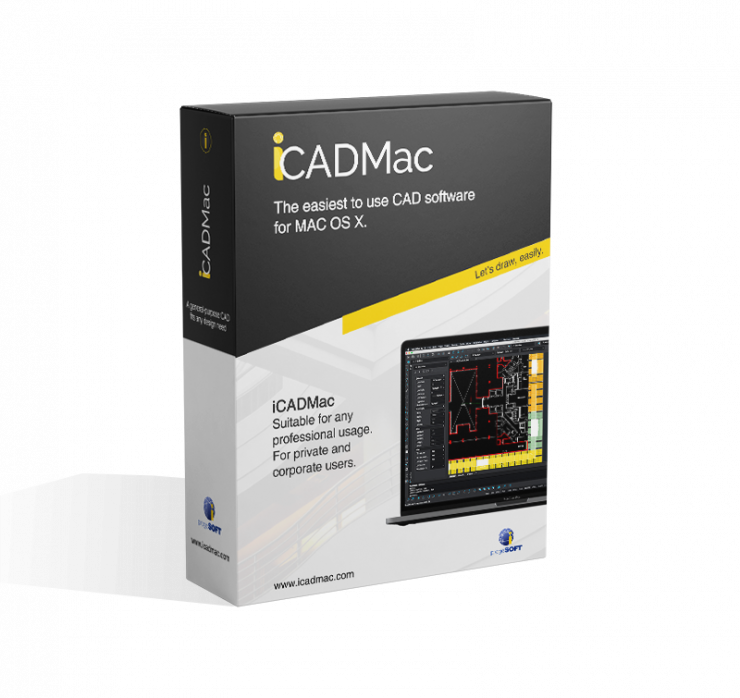
iCAD Mac
30-day trial version.
Download it right off and start designing.
iCADMac Videos


What's New 2025
Certified support for MAC OSX Sequoia, New Dimension Style Dialog, 450 ready-to-use Dynamic Blocks,
Auto-Fills Cells in Tables, Break Tables,3D Visual Styles support, DGN Import/Export, Civil 3D support... Find More